
I used to run a weekly newsletter in both university and school. It stopped at around 2023 because I wanted to recontemplate how I spend my time in life as I stopped needing to be in “survival mode”.
It’s been 3 years since and thankfully, I’m in a much better place now.
In the age of slop, Anything that’s made by humans by definition is valuable. Preserving authentic expression of the human condition is important.
Lets get started with the first public version.
Software Should Work
YouTube has been recommending me this conference called Software Should Work.
Honestly, I feel like I’ve been so jaded lately when it comes to computers, especially the “tech” scene. I wanted to do whatever I could to have anything but computers going on in my life as I don’t need it to survive anymore.
I relate a lot to Andrew Kelley’s “Don’t Take the Black Pill”.

Hypermedia Revolution
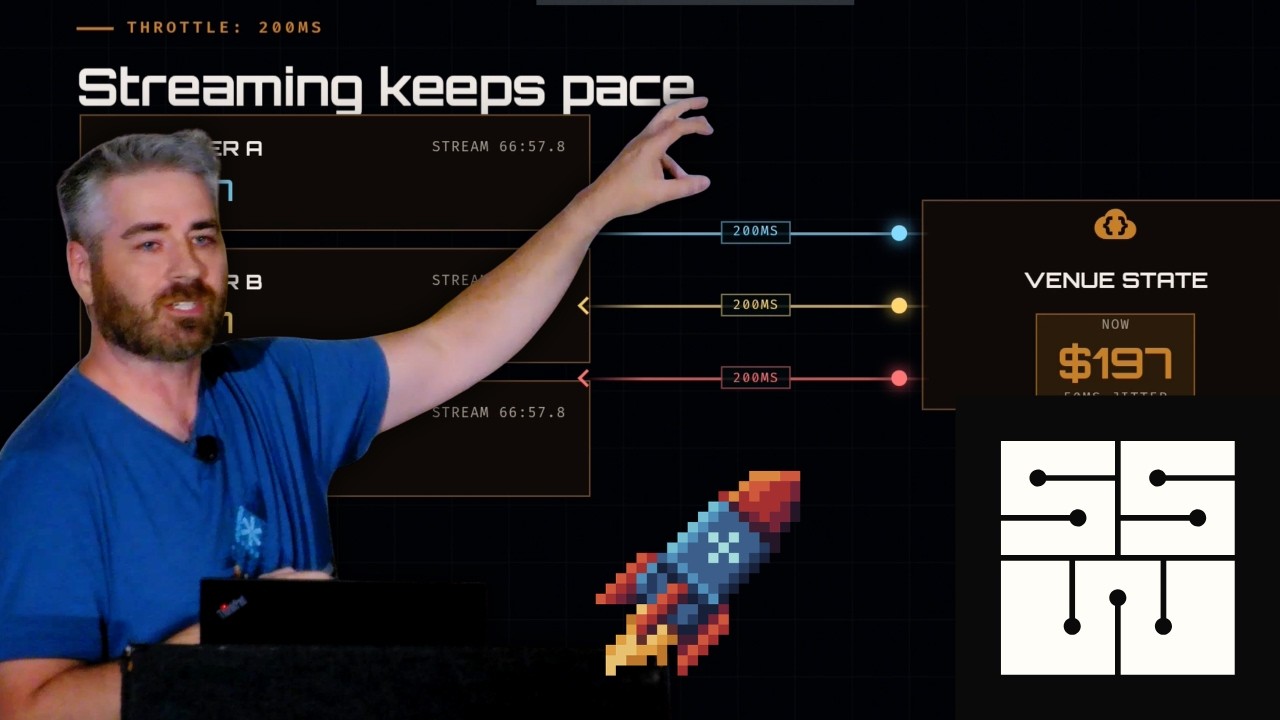
The rabbit hole that I found myself in however is datastar.
First, a bit of background from work
In the beginning, at work, we were a Django + Angular shop and I always loathe the REST/SPA approach.
Initially, I was just a backend developer: making the resources API necessary for the frontend developer to do their work. Everything was alright at first.
Then the app started to handle more data, it felt noticably sluggish. As most of the team in the project has departed, I found myself having to work on the frontend and well…
The reason why it’s slow is because it tried to JOIN data from different
resources on the client so it had to do N+1 requests.
Then on the mutation side, there’s a bunch of workarounds to achieve the
feature where it needed to cross the resource boundary to achieve something.
So what could’ve been a dedicated API endpoint for both the query and mutation side ended up being a series of discrete requests.
When my job shifted to lead the development effort at work for all projects, my first focus was to eliminate this awful experience as it’s a pattern at the time.
After a rather bumpy road, we shifted completely to Laravel, PHP, and engineers doing the whole stack.
We always joked about how bad PHP was when we were a Python shop, but PHP 8 flipped that completely. Not to mention things in the ecosystem, like PHP-FIG.
The thing that sold us on Laravel were:
-
Inertia.js which eliminated the need for an API layer
At the time, there wasn’t a good Inertia.js adapter for Django.
-
Laravel’s more integrated ecosystem of packages.
Being reliant on so many third-party dependencies done by mostly strangers for “the usual” was a massive PITA.
Our effort should be concentrated on what enables our customers, not window shopping for the best S3 adapter or background job dispatch/queueing.
Going back to Hypermedia
In the bumpy road, we explored a lot of ways of doing the frontend. Ultimately, the state lives in the backend, but a good user experience is also important.
Livewire, Blazor, Phoenix LiveView moved things too far away of the browser and we didn’t like that.
Turbo and htmx was closer, but it was too foreign and new for us. The idea of segmenting individual components into dedicated server-side pages was a bit out there at the time.
Ultimately, keeping it “traditional”, but React instead of Angular made sense. Being able to leverage React’s rich ecosystem was really valuable for us.
Personally, for CRUDs, I’m very happy with Inertia.js. It’s everything that I’ve ever wanted and it’s great fun.
But, these days, I feel like real-time is becoming the expected user experience. Polling works, but I always dreamed of being able to do real-time without it being difficult.
Laravel’s Broadcasting facilities are nice on paper, but in practice, the supporting components can be a massive pain. At least, [Reverb] improved the situation quite a bit.
At least with Inertia.js, we don’t have to revert to reconcile state mutations manually, but our fancy WebSocket infrastructure being a mere “hey, shit happened, reload your state now!” is rather sad.
The mentioned talk made me realize how much simpler and better SSEs are over WebSockets.
Plus, the approach of fat morphs and leveraging brotli compression felt the most natural with datastar.
I tried playing with the Laravel integration, but I realized quickly that Laravel doesn’t have an event system that crosses different PHP workers.

Laravel Octane/Swoole was hinted at me as a possible way of scaling large concurrent processes and it even have ways of crossing the boundary (which is pretty neat).
To illustrate, this isn’t possible:
class QuoteController extends Controller
{
    public function listen()
    {
        $quote = Cache::rememberForever("quote", Inspiring::quotes()->random);

        sse()->renderView("datastar.quote", [
            "quote" => $quote,
        ]);

        return sse()->getEventStream(function () {
            Event::listen(QuoteRandomized::class, function (
                QuoteRandomized $e,
            ) {
                sse()->renderView("datastar.quote", [
                    "quote" => $e->quote,
                ]);
            });
        });
    }

    public function random()
    {
        $quote = Inspiring::quotes()->random();
        Cache::set("quote", $quote);
        QuoteRandomized::dispatch($quote);
    }
}
For now, I’ll probably play with it using Deno as BroadcastChannel should make the above work.
If you know an example in Laravel (with source code), please let me know :)
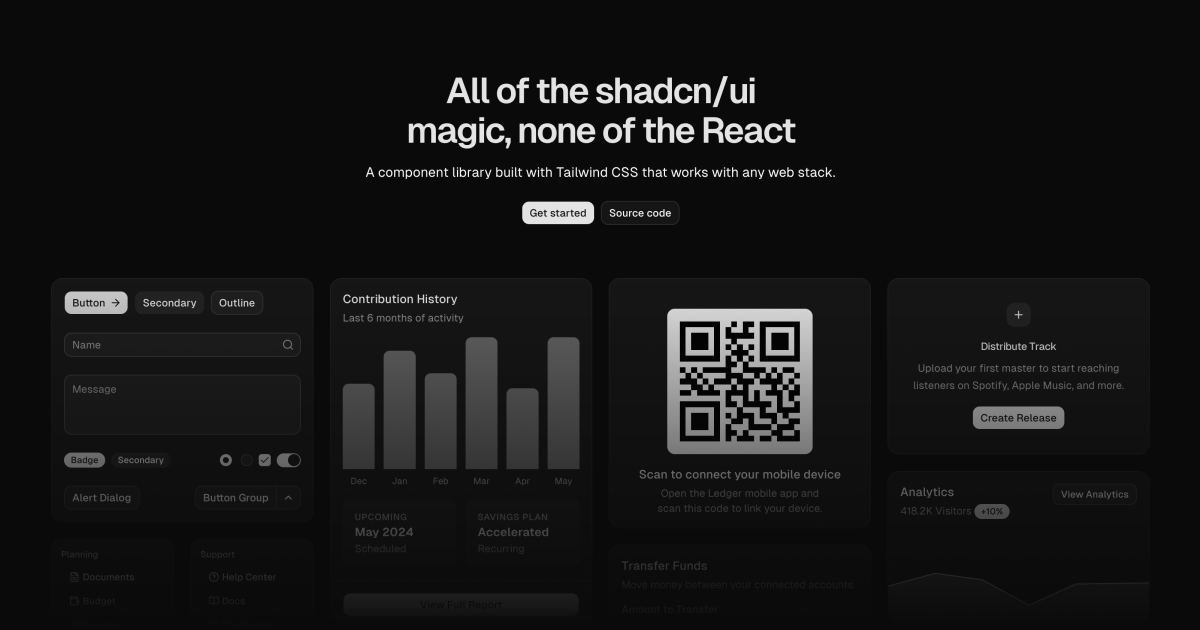
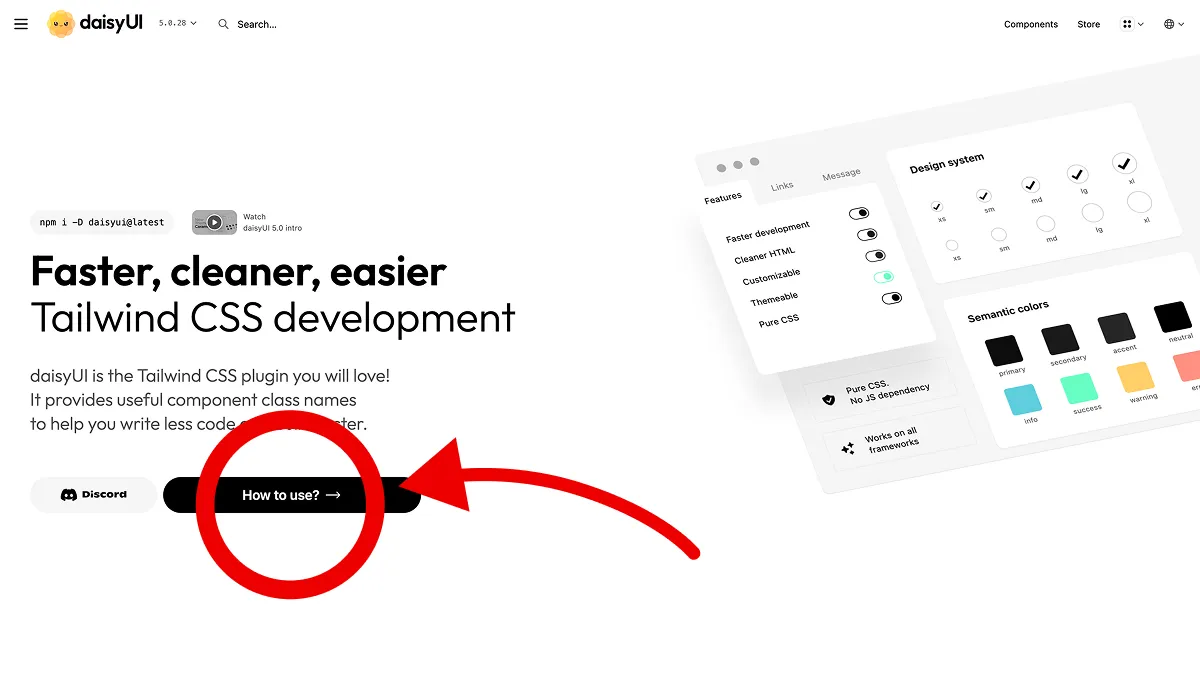
If you’re looking for a component library that doesn’t rely on a specific framework, the following seems pretty decent:


The Backrooms
If you haven’t seen the Backrooms Movie, you really should. I’m not a fan of horror as don’t like jumpscares. Plus, I’ve watched way too many shitty horror films.

It’s refreshing seeing something new and unique for once rather than the same slop Hollywood is pushing out.
Little stroll around programming languages
It’s that time again where I just try different programming languages for no reason.
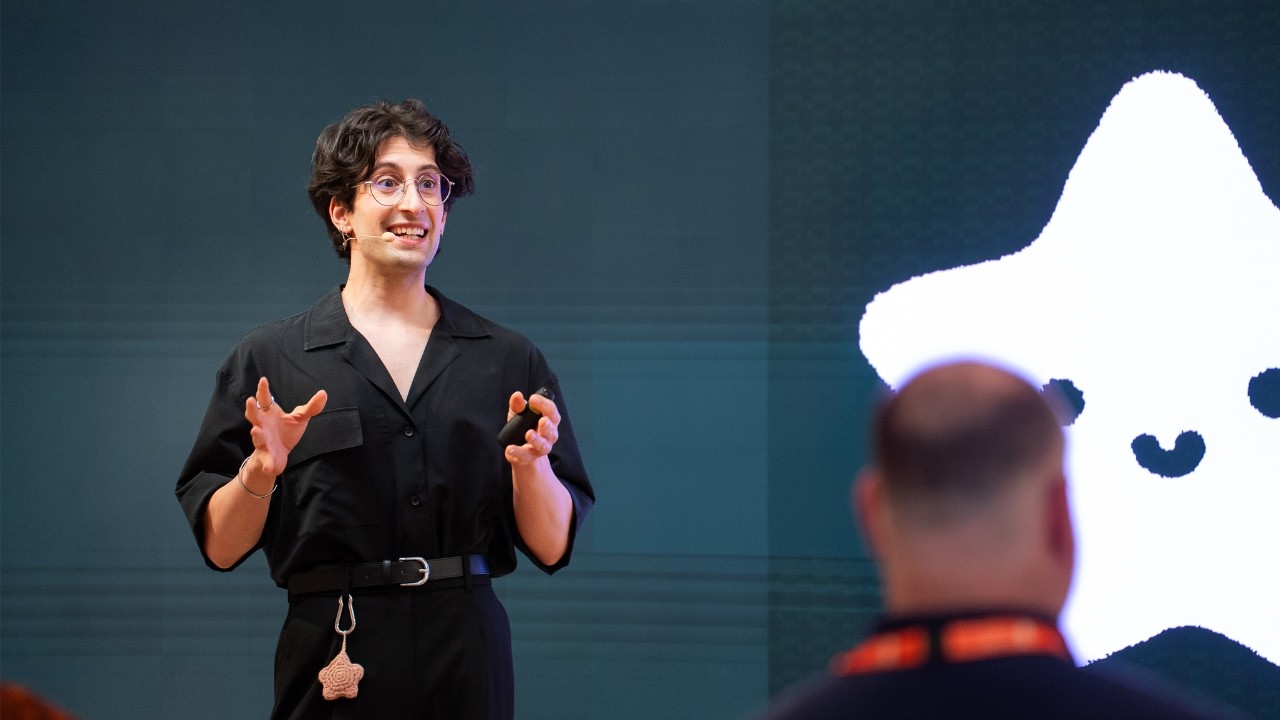
This time is because of this talk about Gleam by Giacomo Cavalieri.
I went through the Gleam tour and I discovered CodeCrafters which is an interactive programming challenge platform where you build your own version of Redis, Database, etc.

At the same time, I should mention “Build your own” series by James Smith.
Plus, there’s Crafting Interpreters by Bob Nystrom which I went through. I recommend it 10/10.

`(list processing)
Anyway, I tried Common Lisp, but I find Lisp-2 (where functions and values are in separate namespaces) to be awkward.
; Scheme (Lisp-1)
(let ((foo 'bar)
      (do-something (lambda () ...))
  ...)
; Common Lisp (Lisp-2)
(let ((foo 'bar))
(labels ((do-something (lambda () ...))
...)I moved to Clojure and at first, it’s going OK.
At some point, I find it hard to reason due to the lack of types and the thing which sent me to the wall is:
clojure-noob.core=> (doc reduce)
-------------------------
clojure.core/reduce
([f coll] [f val coll])
I’m used to partial application and Eta conversion in Haskell that this caught me off guard.
Lisp will always have a special place in my heart. Scheme and SICP was my foray into FP. But I’ve changed and became an ML/Haskeller.
That said, my short time has led me to the following resources:
- Land of Lisp, Entertaining book. Really enjoyed reading it.
- Clojure for the Brave and True, It’s OK, but I prefer Land of Lisp.
- But honestly, I find this opinionated list for Clojure to be the most enlightening.
- Mine, The most accessible Common-Lisp editor
Back to Haskell
I went back to Haskell and immediately felt like at home. Though, I don’t miss the long compile times.
I discovered Linear Types, which replicates the Rust borrow checker in Haskell. Serokell made a nice video introduction on it:
My problem with Haskell is its laziness nature in practice which leads to space leaks and performance problems that are hard to reason with.
I discovered Strict Haskell soon after which is pretty interesting. I think Make Invalid Laziness Unrepresentable is a good write-up on the topic.
Though, I was hinted at Idris as a strict alternative of Haskell with dependent types.
I think I’ll play around with Idris and see how it feels. I have heard about it and have heard about dependent types (mainly around Rocq though). Though, of course, unlike Haskell, there’s not a lot of industry use, it seems.
There’s also OCaml, but it feels lonely unless you’re Jane Street. I learned OCaml from Real World OCaml which warped my perspective of OCaml to around Jane Street’s ecosystem.
If you wanna pick up OCaml, I recommend the CS3110 course instead.


While you’re here, if you wanna learn Haskell, I always recommend Get Programming with Haskell by by Will Kurt.
Quake Heritage
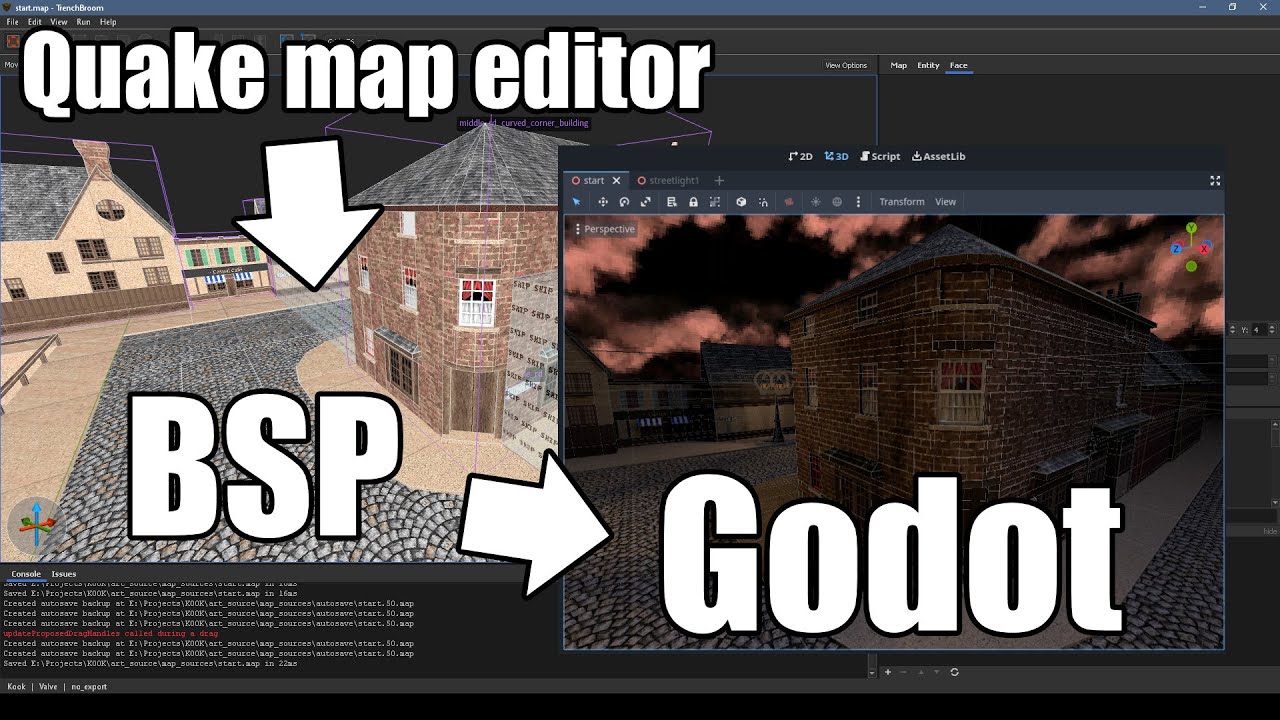
Since the start of the year, I’ve been working on a Godot “game engine” which replicates the approach of Quake tradition. I called it “srcbase”.
What I meant by that is the designer focused way of creating levels with entities and triggers to create unique experiences.
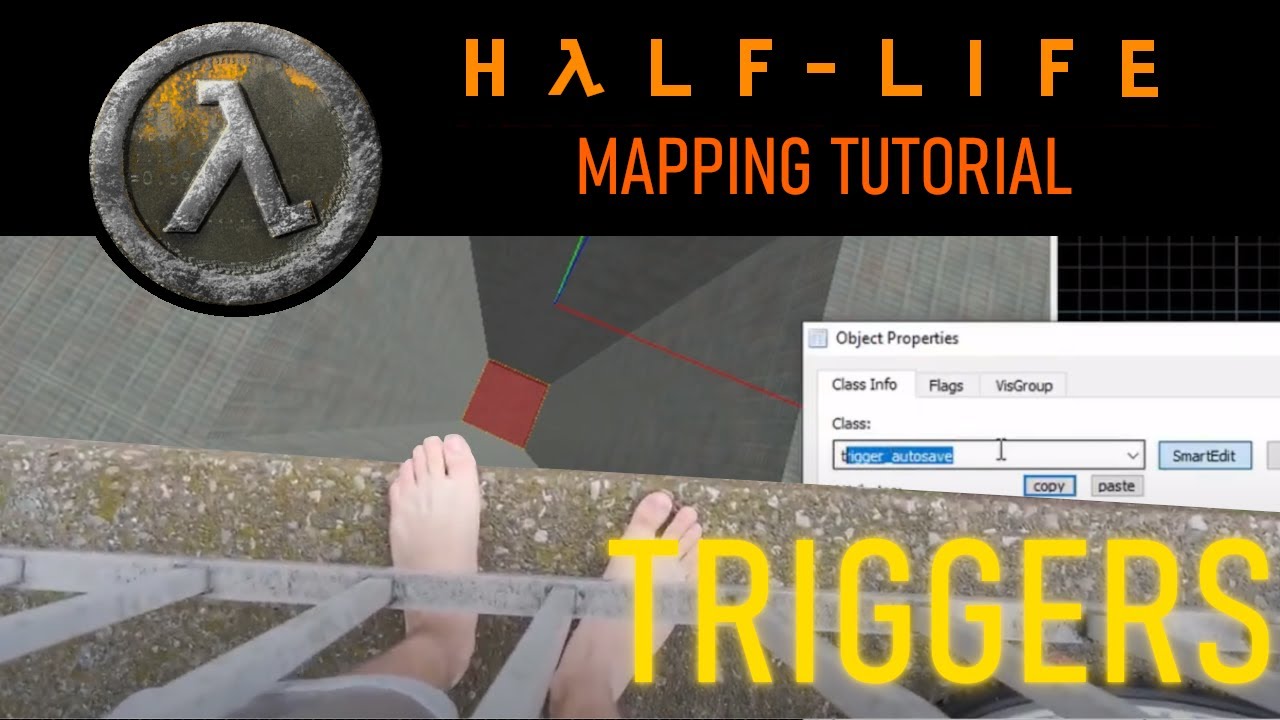
I never liked the approach of today’s engine where you have to create levels with modular pieces and “objectize” interactions via prefabs and scripts.
I have tried getting something with Quake heritage working, but it’s just too much and unfun for me.
func_godot has matured quite a lot since Qodot and it pretty much enabled me to do what I want.
Thanks to StayAtHomeDev’s Godot FPS Tutorial Series for the initial foundation.
Also their video on setting up Trenchbroom + func_godot helped me wrapped my head around how it works.
I was hoping to participate in Juniper Dev’s Serious Game Jam with my partner, but unfortunately, it was moving week for me and it was just too much.

We had a great concept that fits the theme though, sigh. At least, I spent the time needed to get the config pages done and dev console for manipulating Vars (CVar).
My only problem right now is lighting and the lack of BSP step.
There’s someone who made a plugin which allows you to edit lights in the Godot
Editor and have it reflected back in the .map file, but that’s too
destructive for me.
There’s also Quake BSP Importer for Godot, but it’s not to the level of func_godot yet.
In terms of game assets, I was recommended Pizza Doggy’s assets.
It works really well, but it looks too horror themed.
Then, I realized that I can just use WADs which unlocked using the assets from the Quake mapping community.


But I think everyone and their dog loves Makkon’s textures.
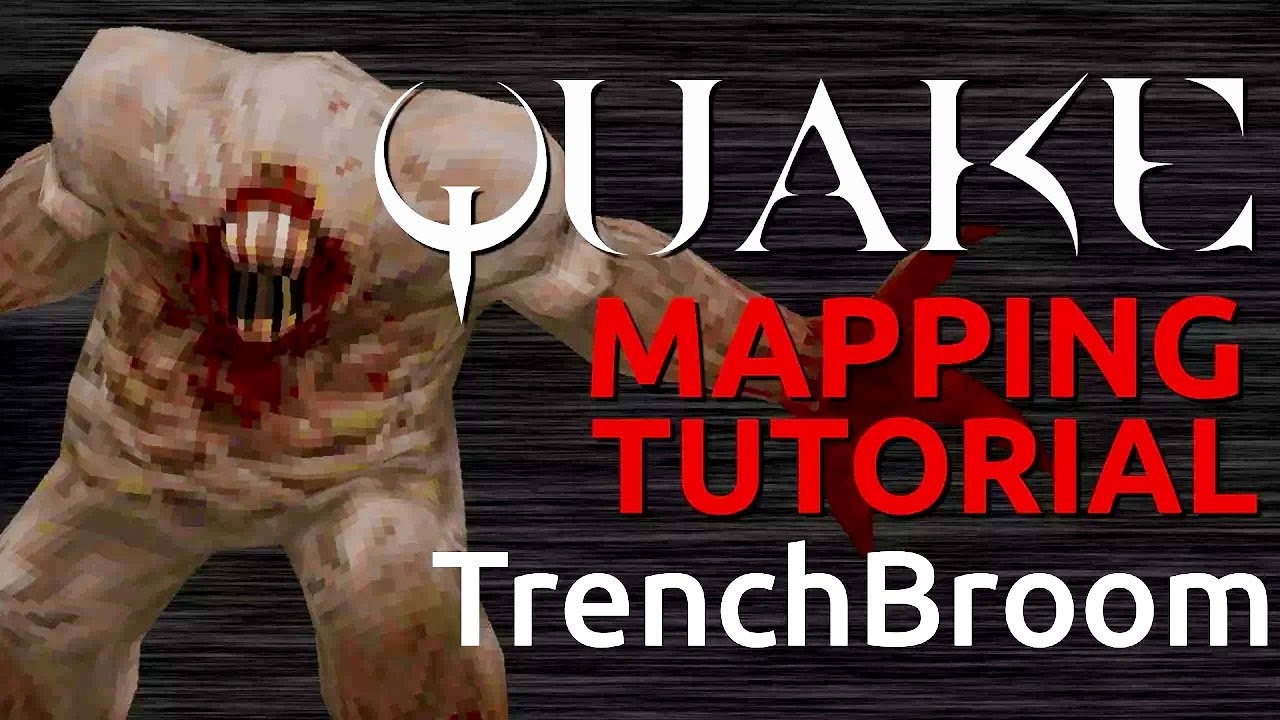
While you’re here, I recommend Slipseer’s videos on the more advanced Trenchbroom techniques.
Plus, dumptruck_ds’ excellent tutorials on Trenchbroom.
On the topic of level design in general, the Level Design Book is a godsend.
My partner have gone through a game development program and recommended “An Architectural Approach to Level Design”.

Oh and also, Retro Modern Game Development with GZDoom by Neil McCallion is a nice talk.
Reflecting on isolation
Whenever I meet someone one of the couple things they always ask is my handle on Instagram, Twitter, etc.
I always get a surprising reaction whenever I say that I don’t use social media and I’m not on any of those.
I don’t even remember when I quit social media altogether. These days, I don’t even participate in much online communities/discourse.
It does feel lonely from time to time, especially when friends are unreachable because life. At the same time, you start value the few people you have close to you.
I tried easing back via Final Fantasy XIV, Discord servers, and even open source.
But, ultimately, what I experienced is how dehumanizing the online experience is today. Relationships felt rather transactional/impersonal and if you don’t conform to whichever hole they want you to be in, the norm is to block or cancel.
At the end, I did manage to get a handful of people who I become close with personally to this day, but it was awful.
I miss friends whom I’ve lost contact with, but every time I think about being more active in online communities, I can’t shake what I’ve experienced.
I just wish people were kinder.
Releasing my pet projects publicly
Yesterday, I’ve decided to just publicly release all of the random small abandoned projects that were just sitting in my GitHub.
I think I should do this more often.
Ending
I’ve been considering about writing more regularly since I missed expressing myself publicly, even if it fall on deaf ears.
I don’t think I’ll be back on whatever Twitter clone du jour is. I think blogging’s plenty for me to start.
I should start participating more in real life communities, but the language barrier makes it hard.
I hope now that life is more stabler in my new home, I could start dedicating more time learning German and able to speak more fluently rather than just listen/read.
I’m sad that Chatterbug shut down though. It was the best online language tutor experience I’ve had.
If you wish to reach out to me, you can always email me. I don’t know how often I’ll do this, but it was nice.
See y’all later o/